Listen to this post
I pride myself on resisting the urge to constantly rice my setup. I was resistant to the Ghostty hype last year and remained so until today. But WezTerm Nightly has caused me too much grief over the last couple of months, so I finally spent 10 minutes migrating to Ghostty. Yep. 10 whole minutes. I’m going to have to change my workflow (no sessionizers), but my config is now 15 lines of code.
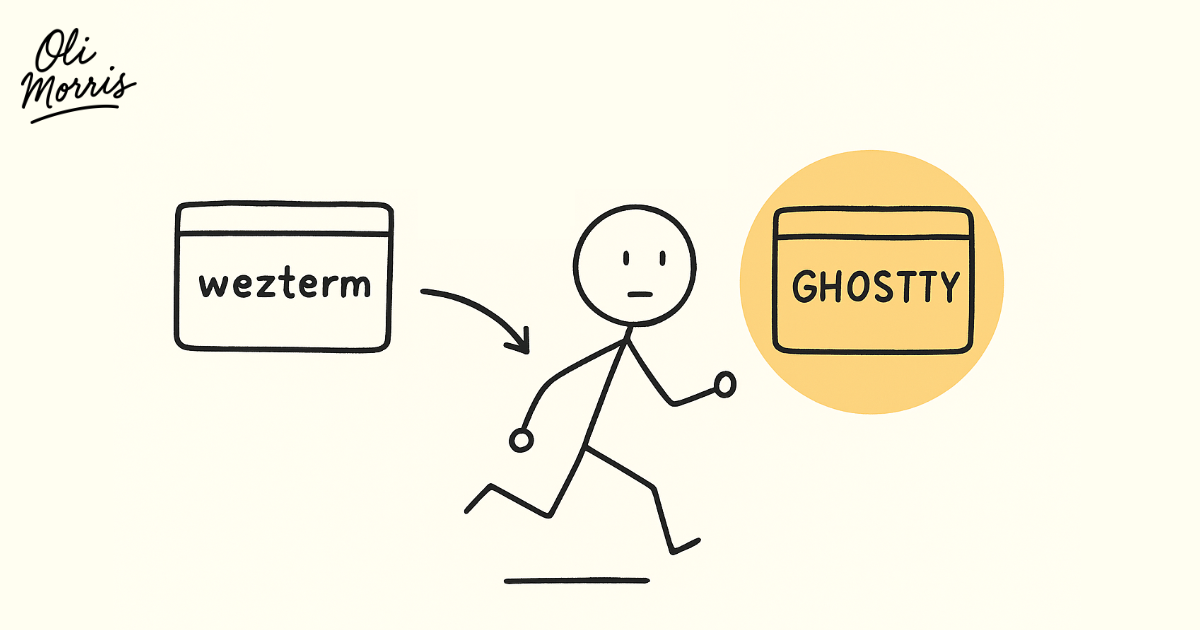
TL;DR: After months of config resets, visual glitches, and performance issues with WezTerm Nightly, I switched to Ghostty. The migration took 10 minutes, my config shrunk to 15 lines, and theme switching went from a 30-line Lua hack to a single line that actually works.
When my terminal starts messing me around, it’s as inconvenient as the time I locked myself out of my flat on a Sunday after a 24-hour plane ride back from Melbourne. I am, in effect, “locked out” of doing any work.
And WezTerm has locked me out plenty over the last couple of months.
The first time, it randomly reloaded with a blank config and all my themes and plugins stopped working. This took me about 60 minutes to resolve. Eventually I found this discussion. Turns out a random ~/.wezterm.lua file got created that overrode my config after an upgrade.
Before that, I was having weird visual glitching whenever I scrolled multiple lines in the terminal. Especially troubling in Neovim. I never found the cause, but it was fixed by moving to the Nightly branch.
At this point, I was giving the terminal a little too much attention for my liking.
Then last night. Friday night. WezTerm started running painfully slow. Again, after a nightly upgrade. When I say painfully slow, I mean it only seemed to refresh the display when I pressed a key. Meanwhile, the macOS Terminal app was perfectly fine. I used Pearcleaner to blitz my system of any WezTerm traces and reinstalled it. Boom. For two hours, I had a working, performant terminal again.
Then today. Saturday morning. Same issue. Slow as hell.
Final straw. I’m done.
Now before I talk about Ghostty, I’ll point out that I was extending WezTerm with additional plugins. So I haven’t proved this is entirely a WezTerm issue. But I’ve had two prior issues that were 100% WezTerm issues. So this time around, I’m seeing smoke and calling a fire. Time to leave.
Thanks for the memories, WezTerm.
Enter Ghostty
I’d accepted I couldn’t sessionize anymore. No worries. We can use tabs. I can live with that. But the big thing - which used to massively piss me off in WezTerm - was finding a convenient way to switch themes. In WezTerm I was doing this:
local wezterm = require("wezterm")
local M = {}

---@type Mode|nil
local force = nil

---@enum (key) Mode
local theme = {
  dark = "onedarkpro_vaporwave",
  light = "onedarkpro_onelight",
}

---@return Mode
local detect = function()
  if force ~= nil then
    return force
  elseif wezterm.gui and wezterm.gui.get_appearance():find("Light") then
    return "light"
  end
  return "dark"
end

M.set = function(config)
  local mode = detect()
  config.color_scheme_dirs = { wezterm.home_dir .. "/.cache/nvim/onedarkpro_dotfiles/extras/wezterm" }
  config.color_scheme = theme[mode]

  local ok, _, stderr = wezterm.run_child_process({
    "sh",
    "-c",
    'echo "' .. mode .. '" > /tmp/oli-theme',
  })
  if not ok then
    error(stderr, 0)
  end
end

return M
Yep. I was reading the theme to load from disk and reloading WezTerm’s config every time I wanted to switch themes. Please email me if I was missing something obvious. The source for this was this blog post. Oh, and the worst part? It never fully refreshed the border of some windows. So if I switched from dark to light, the border would remain dark. The only solution was to close and reopen the window.
So how do you accomplish the same thing in Ghostty?
theme = dark:onedarkpro_vaporwave,light:onedarkpro_onelight
Holy shit. It reads the system dark/light setting in macOS and does the rest. Shoutout to Raymond Ha for adding Ghostty support in this PR on my onedarkpro.nvim theme plugin, by the way.
The rest of my Ghostty config for WezTerm visual parity:
# Aesthetics
adjust-cell-height = 26
font-family = "OperatorMono Nerd Font"
font-size = 21
font-style = "Medium"
font-style-italic = "Medium Italic"
theme = dark:onedarkpro_vaporwave,light:onedarkpro_onelight

# macOS settings
macos-titlebar-style = tabs
macos-option-as-alt = left

# Others
copy-on-select = true
working-directory = ~/.dotfiles
That’s it. No more. Lightning fast. Looks exactly the same as WezTerm.
As I mentioned earlier, I won’t be sessionizing anymore. In WezTerm I’d use workspaces for each repository I was working in. Three hours into Ghostty and I’ve just got a ton of tabs open. I use zoxide to quickly move between directories in the terminal, and I can also use Command+n to move between tabs (where n is an integer). I’ll report back on how this goes.
Update: Dec 19, 2025
Well I’ll be damned if that hasn’t been the smoothest terminal transition that I have ever had. My Ghostty config hasn’t changed in the two weeks that I’ve been using it. Zero crashes. No glitches. Sometimes the title bar appears white. A quick config reload (Command+Shift+,) sorts that. When I move windows from my Laptop to the external monitor the line heigh doesn’t translate so well. Again, a quick config line height change sorts that or I just deal with it - not too bothersome.
A surprising find is how well LaTeX renders in it. WezTerm had issues certain Neovim buffers from my experience. Same config, same file, and Ghostty renders it perfectly.
My big concern was around the sessionizer loss. My work around that has been to have a new window for each project. In truth, I never work across more than one project at once anyway. I just like to keep them open for different parts of my day. The only real fault is that the docs aren’t searchable. That’s pretty much all the shade I can cast on it. And, best of all, I don’t think about it. Which is exactly how a terminal should be.